- Vue 58.3%
- TypeScript 31.9%
- Makefile 4.2%
- Shell 2.8%
- CSS 1.9%
- Other 0.8%
 Moritz Hofmann
4030143733
Moritz Hofmann
4030143733
Some checks failed
ci / ci (22, ubuntu-latest) (push) Has been cancelled
Add a connection watchdog and terminal-failure handling to useTv/share so ICE failures (e.g. missing TURN server, or browsers that don't fire connectionstatechange reliably) show a clear error overlay instead of a silent black screen, then auto-retry with a fresh code. Also extracts the inline RTC debug panel out of tv.vue into TvRtcDebugPanel.vue. Co-Authored-By: Claude Sonnet 5 <noreply@anthropic.com> |
||
|---|---|---|
| .github/workflows | ||
| app | ||
| i18n/locales | ||
| public | ||
| scripts | ||
| server | ||
| .dockerignore | ||
| .editorconfig | ||
| .env.example | ||
| .gitignore | ||
| docker-compose.sample.yml | ||
| Dockerfile | ||
| eslint.config.mjs | ||
| LICENSE | ||
| Makefile | ||
| nuxt.config.ts | ||
| package-lock.json | ||
| package.json | ||
| pnpm-lock.yaml | ||
| README.md | ||
| renovate.json | ||
| tsconfig.json | ||
Nuxt Starter Template

Use this template to get started with Nuxt UI quickly.
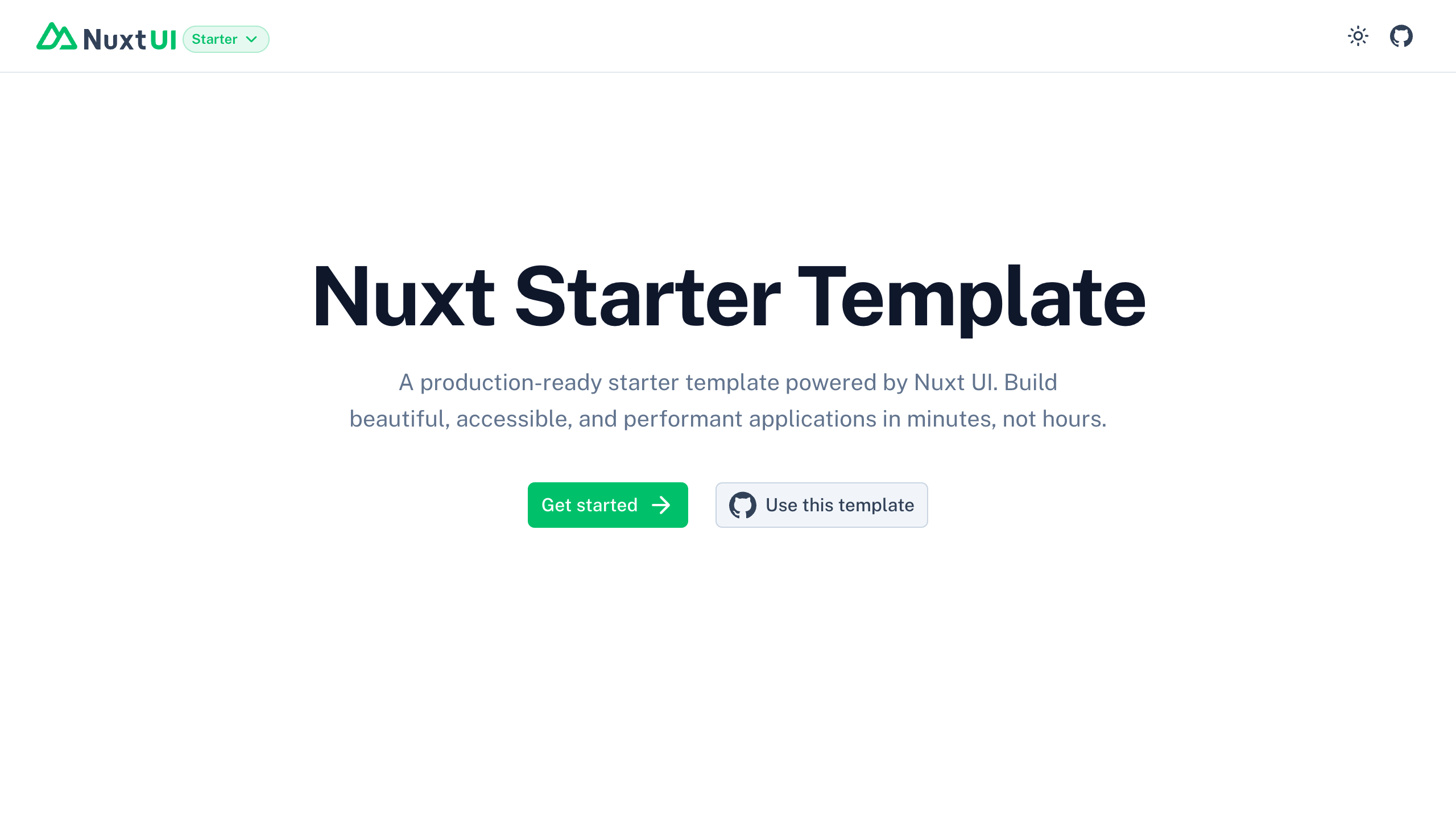
The starter template for Vue is on https://github.com/nuxt-ui-templates/starter-vue.
Quick Start
npm create nuxt@latest -- -t github:nuxt-ui-templates/starter
Deploy your own

Setup
Make sure to install the dependencies:
pnpm install
Development Server
Start the development server on http://localhost:3000:
pnpm dev
Production
Build the application for production:
pnpm build
Locally preview production build:
pnpm preview
Check out the deployment documentation for more information.
Multi-Arch Docker Build
This repo ships a Makefile to build Docker images for multiple architectures (amd64 + arm64) using Docker Buildx.
Prerequisites:
- Docker with Buildx enabled
- On Linux hosts, install QEMU/binfmt (Docker Desktop already includes this):
make binfmt
Common commands:
# Create/select a Buildx builder and bootstrap it
make builder

# Single-arch local images (loaded into the local Docker daemon)
make build-amd64
make build-arm64   # requires binfmt on non-arm64 hosts

# Multi-arch build locally (OCI layout)
make build-multi REGISTRY=git.fuxle.net NAME=fuxle/screenshare TAG=latest

# Push previously built multi-arch image to registry
make push-multi REGISTRY=git.fuxle.net NAME=fuxle/screenshare TAG=latest

# Quick verification helpers (prints architecture inside the container)
make verify-amd64 REGISTRY=git.fuxle.net NAME=fuxle/screenshare TAG=latest
make verify-arm64 REGISTRY=git.fuxle.net NAME=fuxle/screenshare TAG=latest
Variables (override via VAR=value):
REGISTRY(e.g.git.fuxle.net),NAME(default:screenshare),TAG(default:latest)TAG_AMD64(default:$(TAG)-amd64),TAG_ARM64(default:$(TAG)-arm64)PLATFORMS(default:linux/amd64,linux/arm64),BUILDER(default:multi-arch)
Tip: After pushing a multi-arch image, set image: <registry>/<name>:<tag> in docker-compose.yml and run:
docker compose up -d
Pushing to a Registry
- Log in to git.fuxle.net:
make login REGISTRY=git.fuxle.net
# or
docker login git.fuxle.net
- Build a multi-arch image locally (OCI layout):
make build-multi REGISTRY=git.fuxle.net NAME=fuxle/screenshare TAG=v0.1.0
- Push the multi-arch image to the registry:
make push-multi REGISTRY=git.fuxle.net NAME=fuxle/screenshare TAG=v0.1.0
docker buildx imagetools inspect git.fuxle.net/fuxle/screenshare:v0.1.0
make inspect-remote REGISTRY=git.fuxle.net NAME=fuxle/screenshare TAG=v0.1.0
Release Script (Tag + Build)
Use the provided script to create a git tag, push the current branch and tag, and build a multi-arch image locally (OCI layout). Push is a separate step.
# Tag v0.1.0, push to git remote, build multi-arch image locally
scripts/release.sh v0.1.0

# Options
scripts/release.sh v0.1.0 --remote origin --branch main --registry git.fuxle.net --name fuxle/screenshare

# If your working tree has changes and you still want to tag
scripts/release.sh v0.1.0 --allow-dirty

# If you don't want to push the branch (only tag + local image)
scripts/release.sh v0.1.0 --no-push-branch
Notes:
- The script auto-prefixes the tag with
vif omitted (e.g.,1.2.3->v1.2.3). - It pushes the current branch by default; use
--no-push-branchto skip or--branch <name>to override. - It refuses to overwrite existing tags locally or on the remote.
- It uses the Makefile’s
build-multitarget under the hood to export an OCI layout todist/.... - To publish the image after running the script, run
make push-multi REGISTRY=git.fuxle.net NAME=fuxle/screenshare TAG=vX.Y.Z.
Optional: Push single-arch images built locally:
# Build locally
make build-amd64 REGISTRY=git.fuxle.net NAME=fuxle/screenshare TAG=v0.1.0
make build-arm64 REGISTRY=git.fuxle.net NAME=fuxle/screenshare TAG=v0.1.0    # requires binfmt on non-arm64 hosts

# Push via Make targets
make push-amd64 REGISTRY=git.fuxle.net NAME=fuxle/screenshare TAG=v0.1.0
make push-arm64 REGISTRY=git.fuxle.net NAME=fuxle/screenshare TAG=v0.1.0

# If you prefer exact tag names like :arm64, override TAG_ARM64
make build-arm64 REGISTRY=git.fuxle.net NAME=fuxle/screenshare TAG_ARM64=arm64
make push-arm64  REGISTRY=git.fuxle.net NAME=fuxle/screenshare TAG_ARM64=arm64